Connect to ChatGPT
Add DataGlass as a connector in ChatGPT so you can ask about your shop's profit, products, and Actions in chat.
DataGlass is an official ChatGPT app, so you can install it and ask about your shop's profit, products, ads, and Actions in plain language. You sign in once with your DataGlass account — ChatGPT only sees what your account can see.
How to connect it
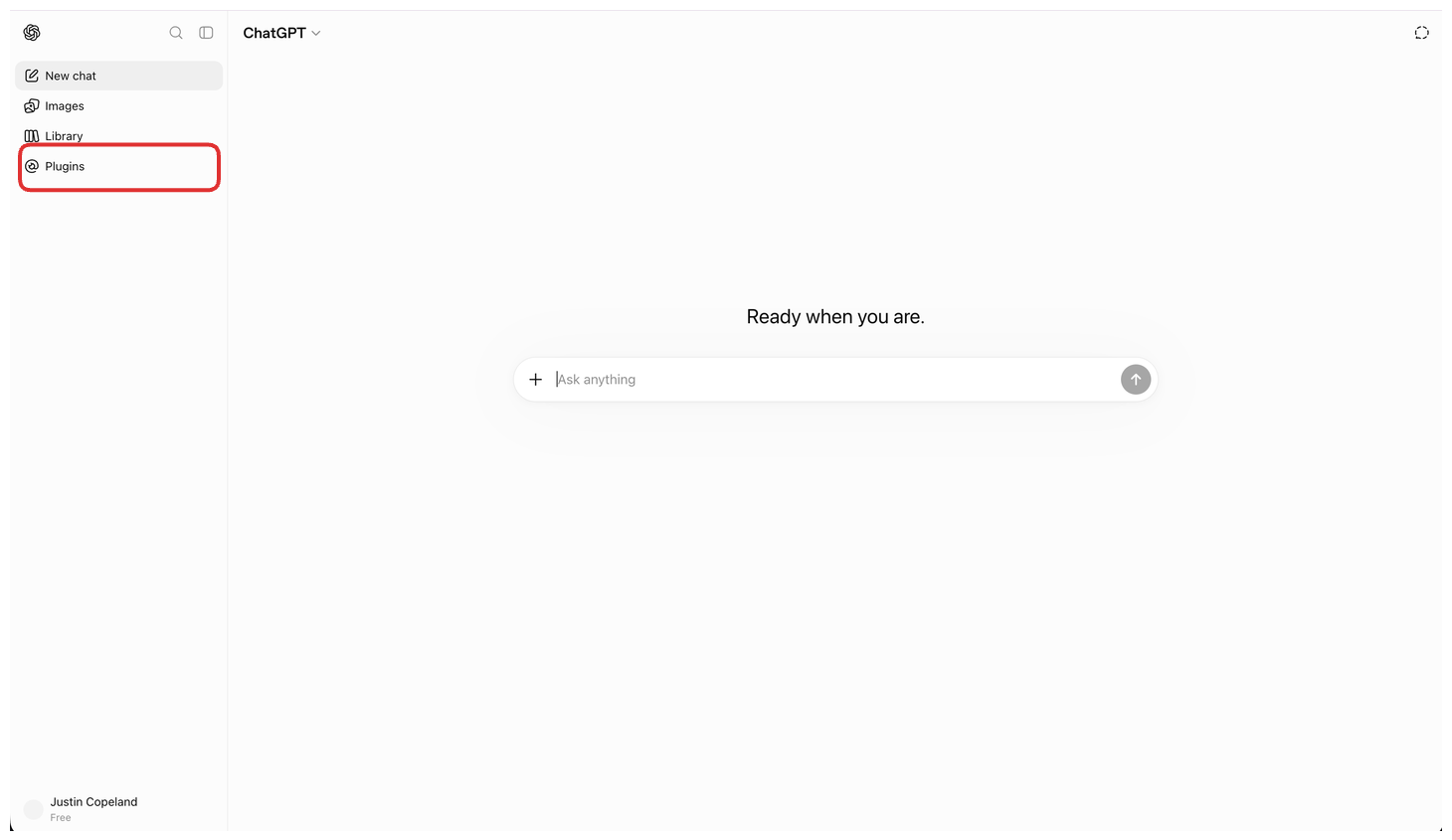
- In the ChatGPT sidebar, click Plugins.
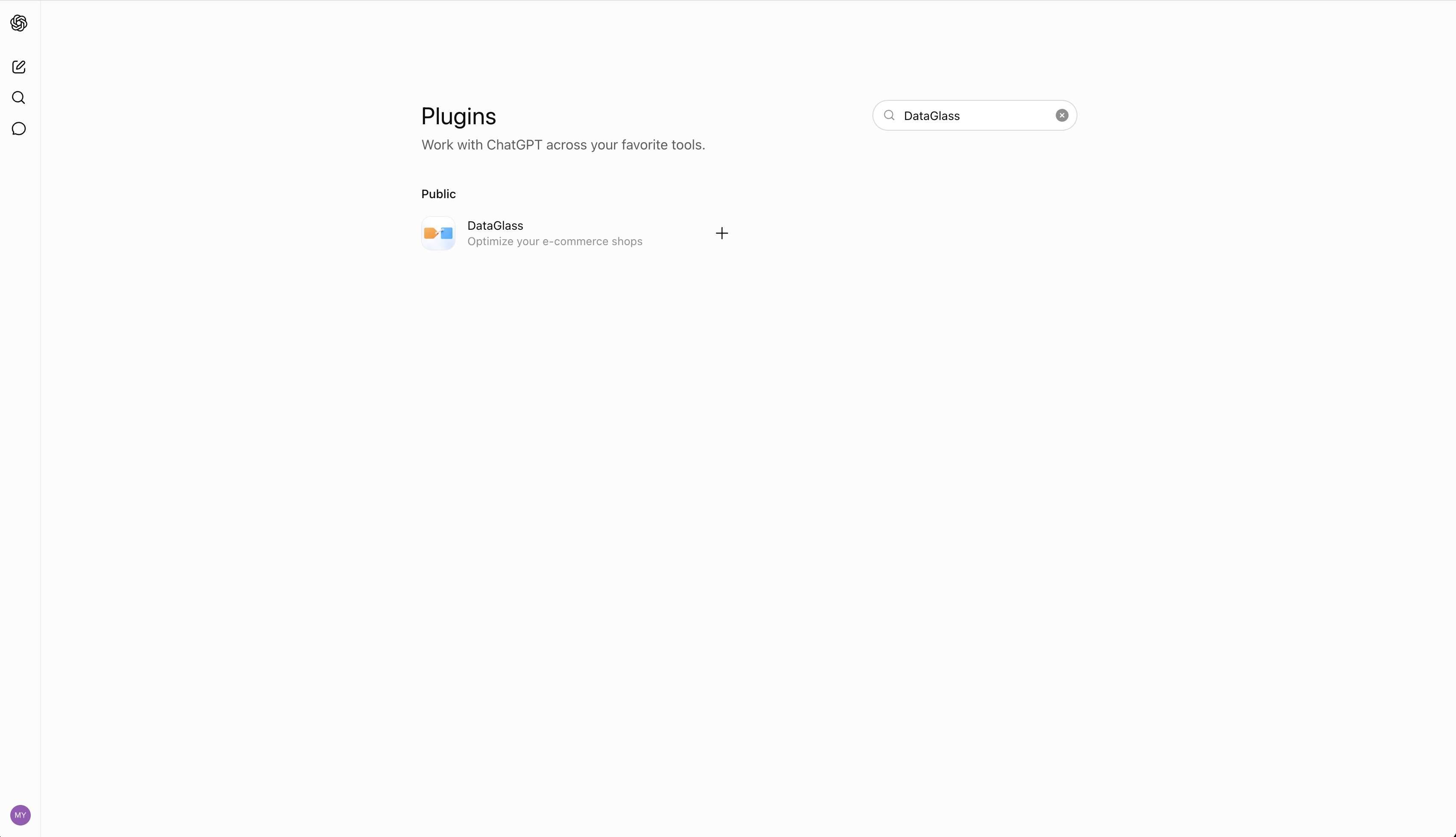
- Search for DataGlass.
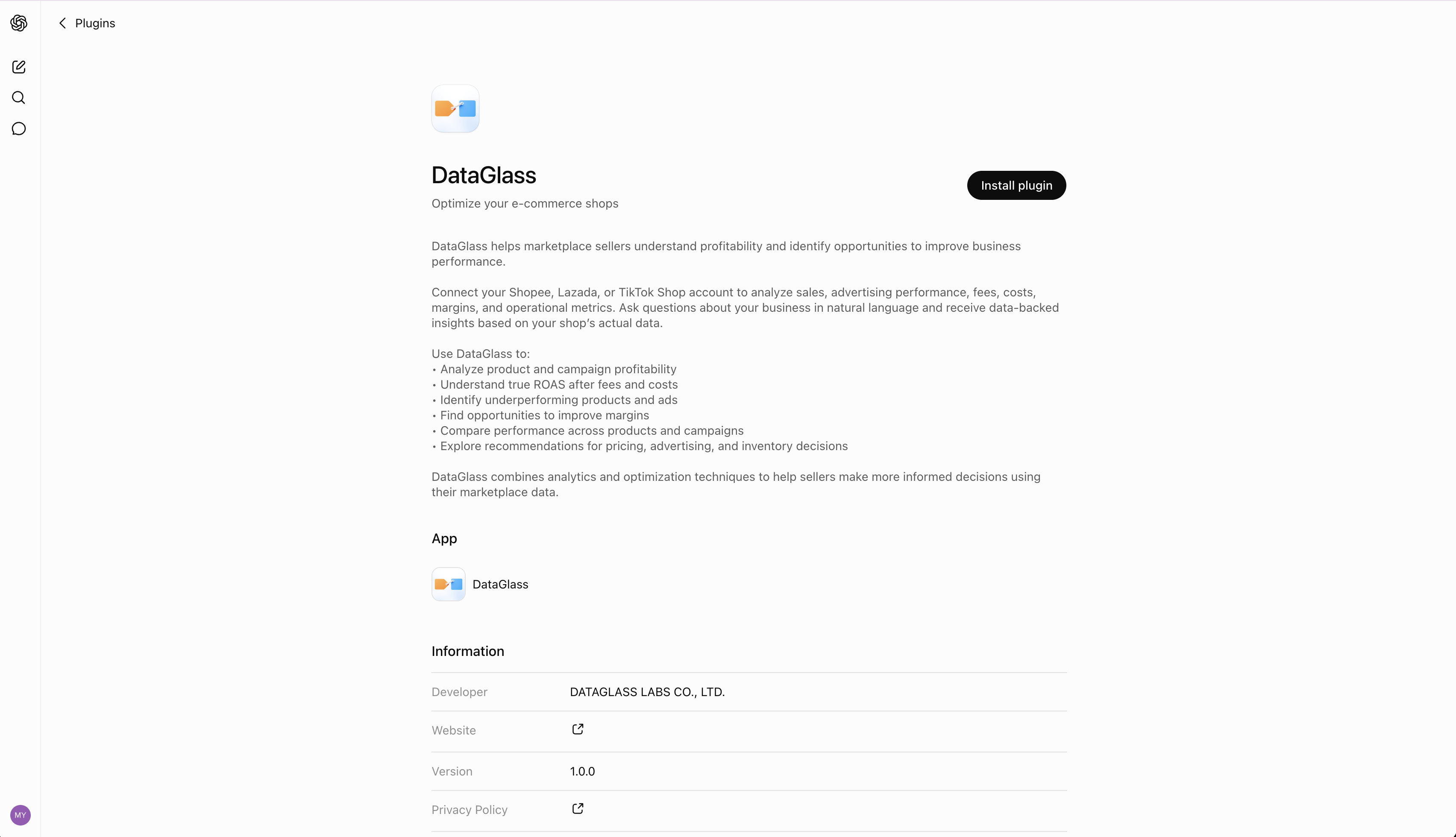
- Click Install plugin.
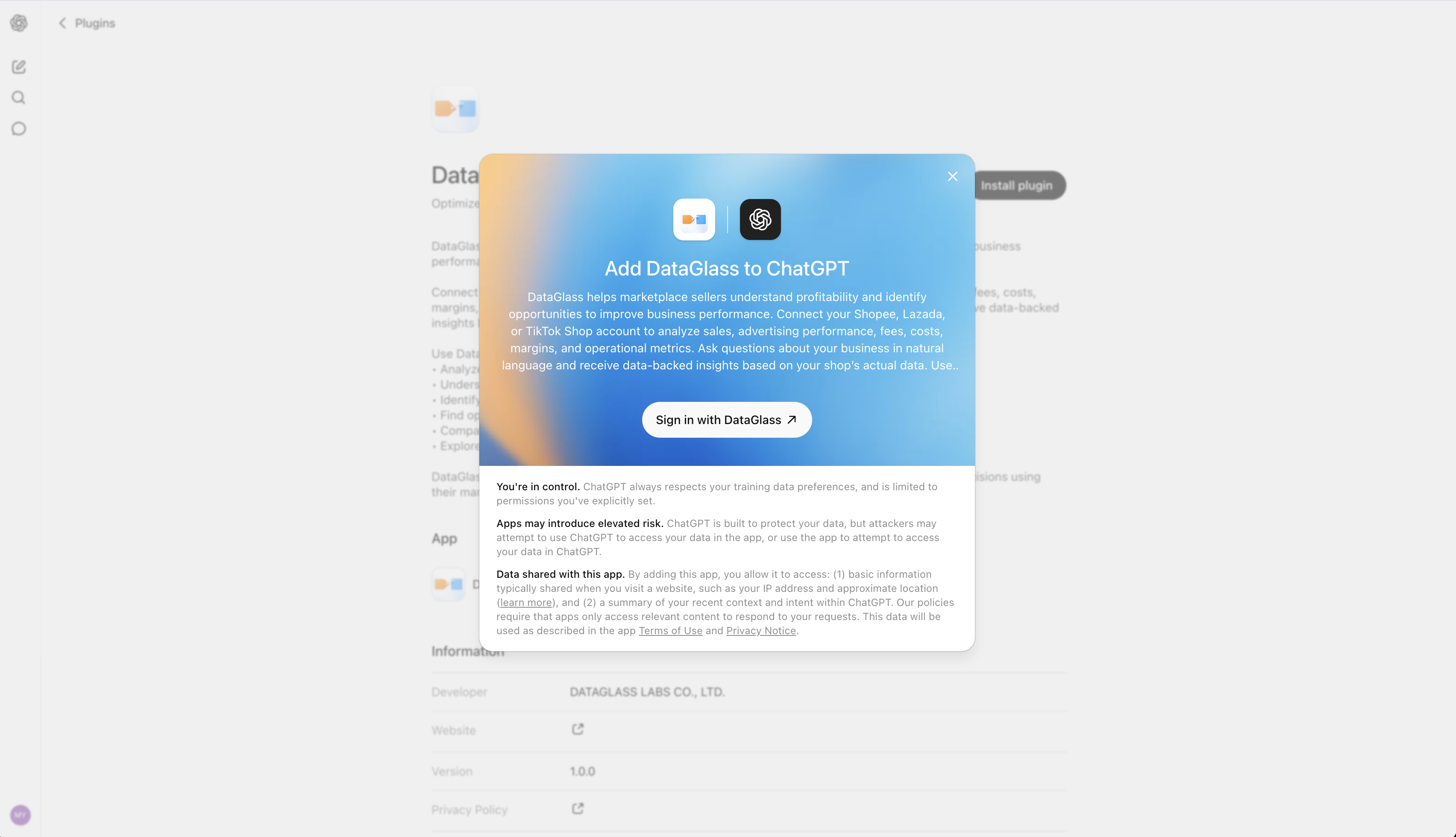
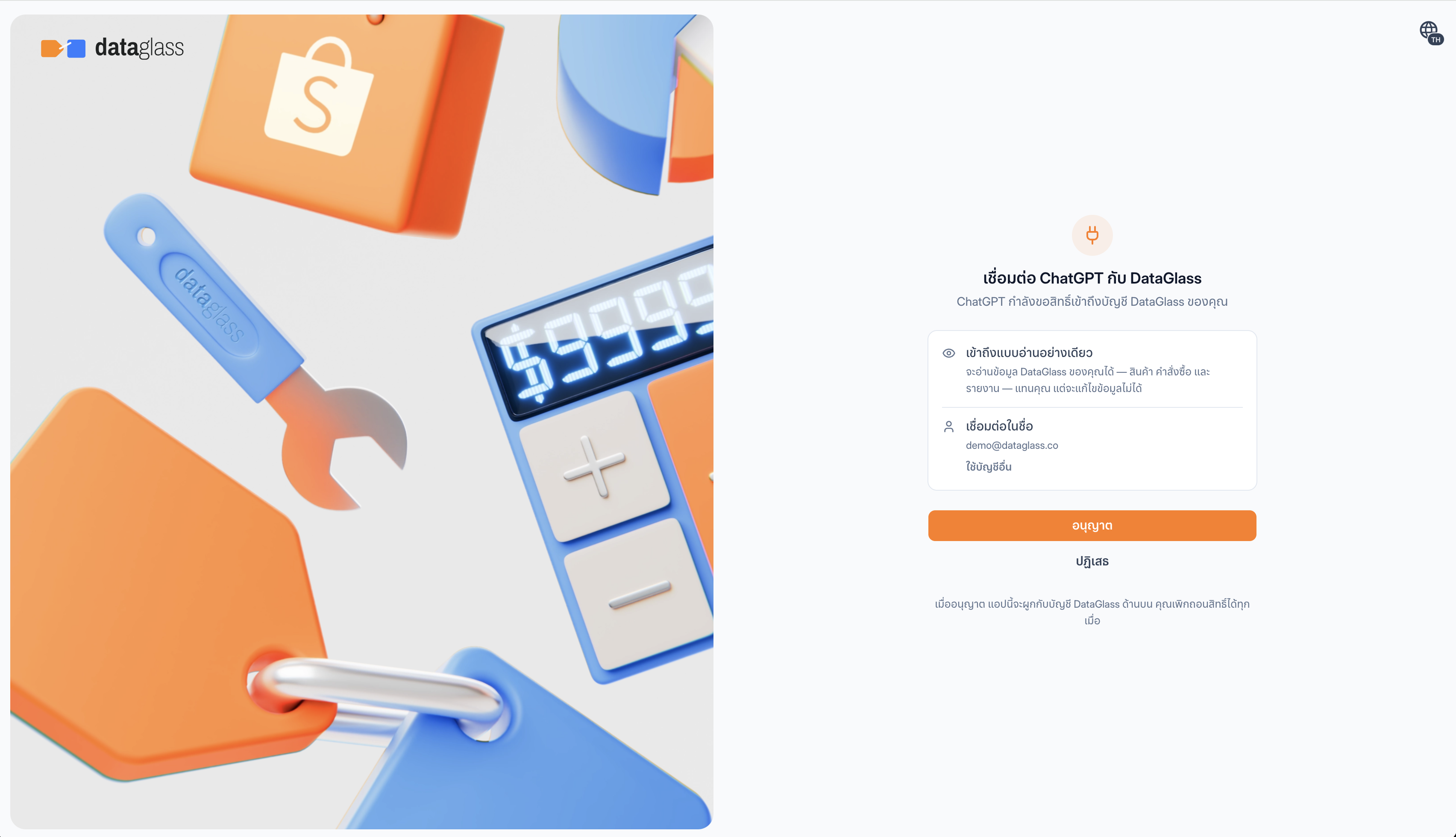
- Sign in with your DataGlass account.
- Click Authorize to grant access.
What you can ask
- "Which products lost the most profit this week?"
- "What are my top-priority Actions right now?"
- "What's my True ROAS on Shopee ads?"
For more, browse the native playbooks, the prompt library, and the tool catalog.
Access is scoped to your DataGlass account. The consent screen shows exactly what you are approving: a connector is read-only unless you tick a write permission, and each one covers a single domain — ads, pricing, catalog, orders, and so on. See Permissions and safety. You can uninstall the plugin anytime from ChatGPT's Plugins settings.