Connecting shops
ShopeeLazadaTikTok
Link your Shopee, Lazada, or TikTok shop to DataGlass and grant access to product, ad, and inventory data.
Connecting a shop grants DataGlass access to your inventory, pricing, ads, and performance data. You can connect multiple shops across different platforms — your free 14-day trial begins as soon as the first shop is linked.
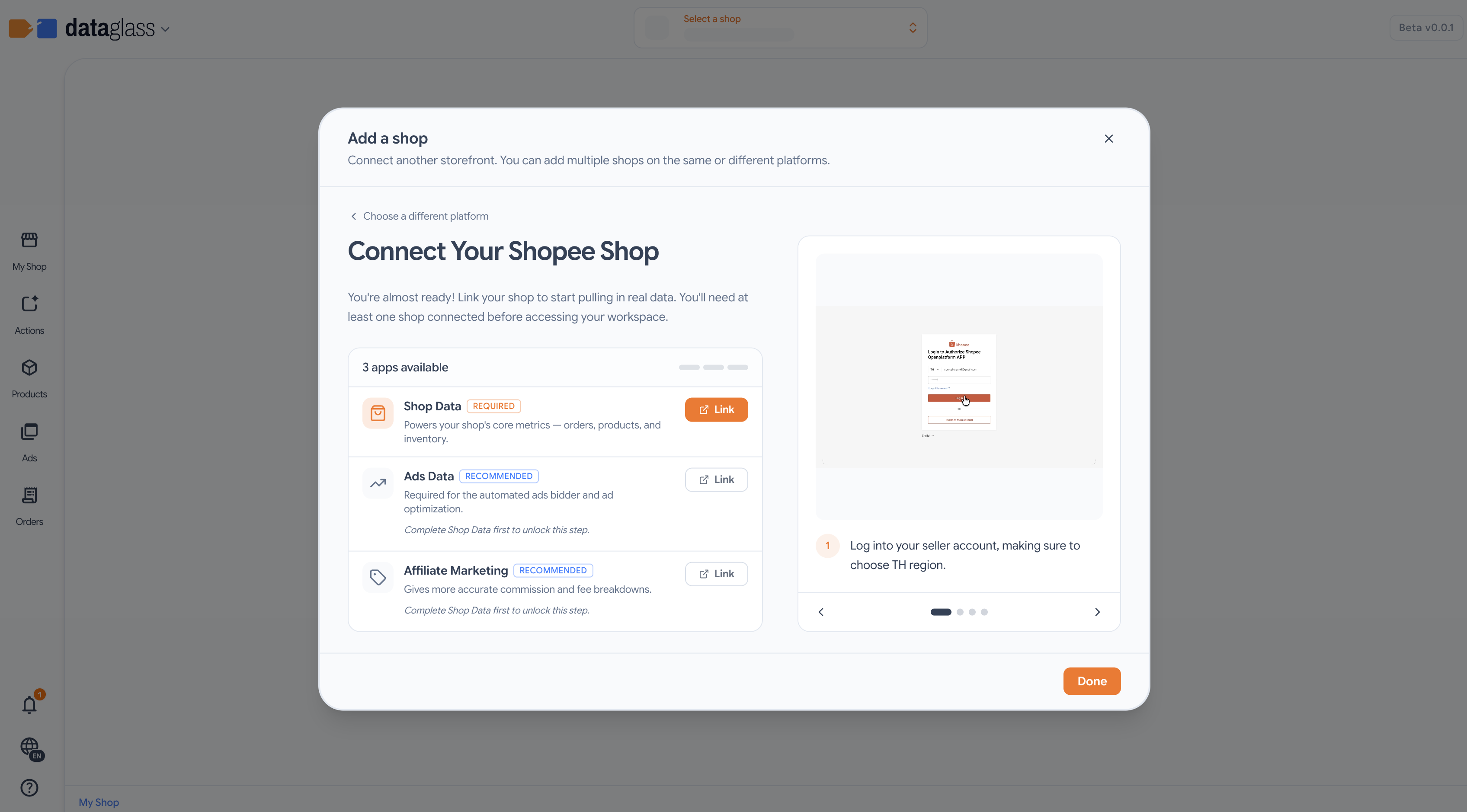
How to connect a shop
- From the workspace, click Add shop.
- Pick your platform: Shopee, Lazada, or TikTok.
- Follow the platform steps below to authorize access.
- Go back to the onboarding page and click Enter Workspace.
What you're authorizing
Each platform asks you to grant one or more scopes:
- Shop Data (required) — powers your core metrics: orders, products, and inventory.
- Ads Data (recommended) — required for the automated ads bidder and ad optimization.
- Affiliate Marketing (optional) — gives more accurate commission and fee breakdowns.
Step-by-step by platform
- Log into your seller account, making sure to choose the TH region.
- Check your phone for the confirmation SMS.
- Approve linking your shop.
- Go back to the onboarding page and click Enter Workspace.
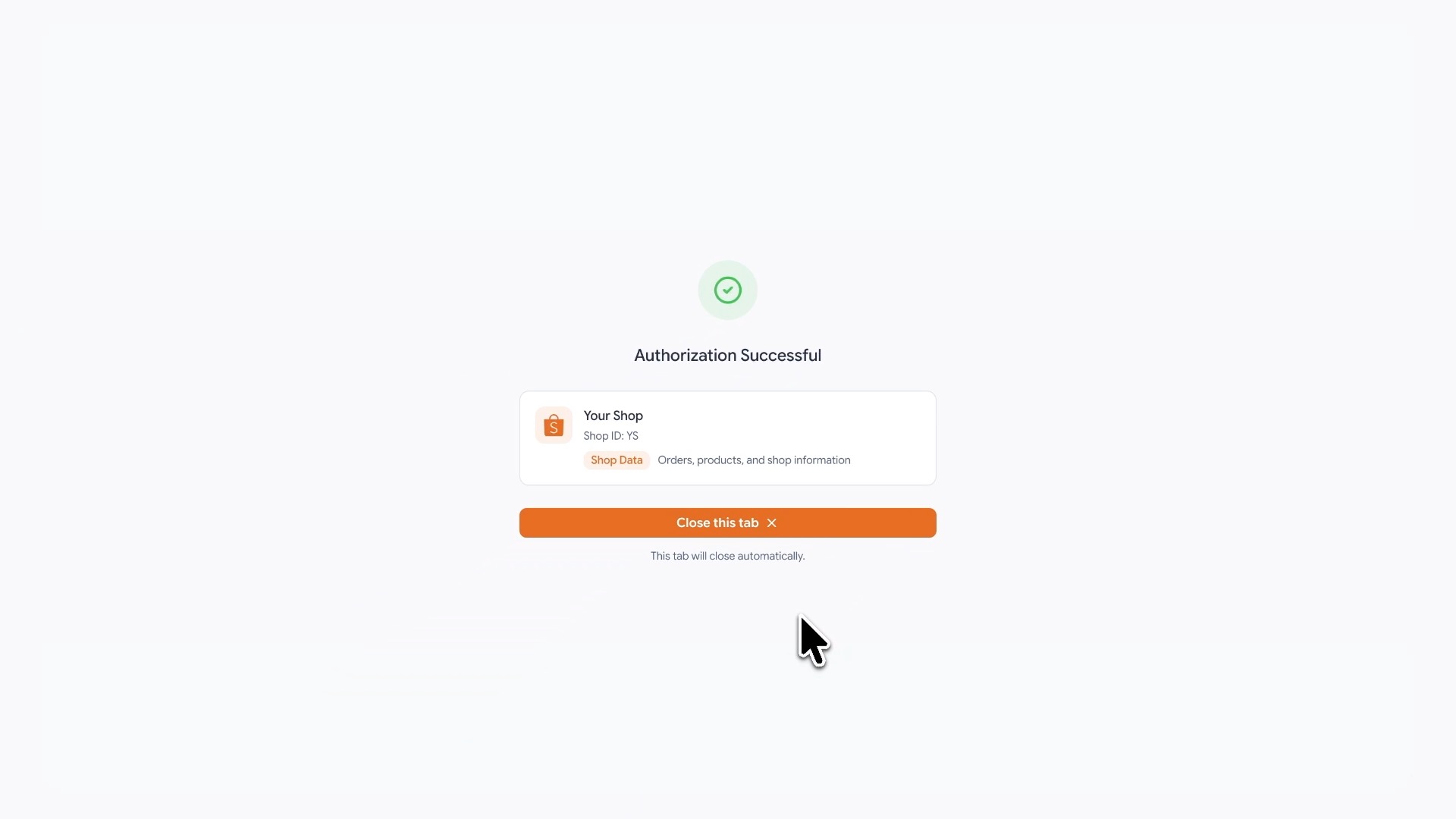 Shop connected
- Install DataGlass from the Lazada Service Marketplace. Choose the Authorization Only version with a Half-year period, click Buy It Now (free), then go to Your Services and click Use Service.
- Come back here and click Link to connect your shop, then choose Thailand as your region on Lazada.
- Log in with your email, password, or phone number.
- Get redirected back and click Authorize.
- Go back to the onboarding page and click Enter Workspace.
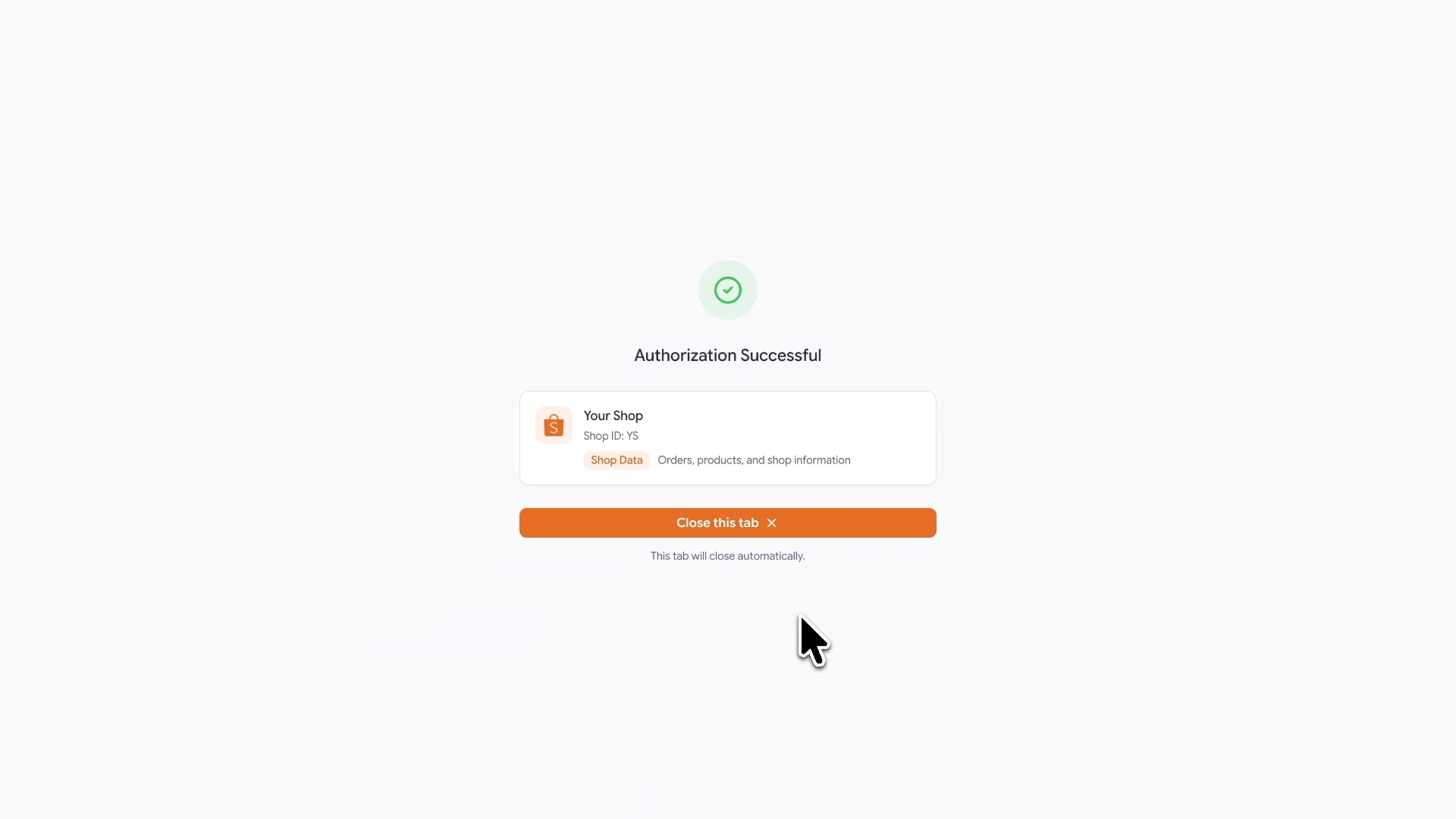 Shop connected
- TikTok Shop opens in a new tab — sign in to your seller account.
- Pick your shop, then approve DataGlass access.
- Repeat for Ads Data if you run TikTok ad campaigns.
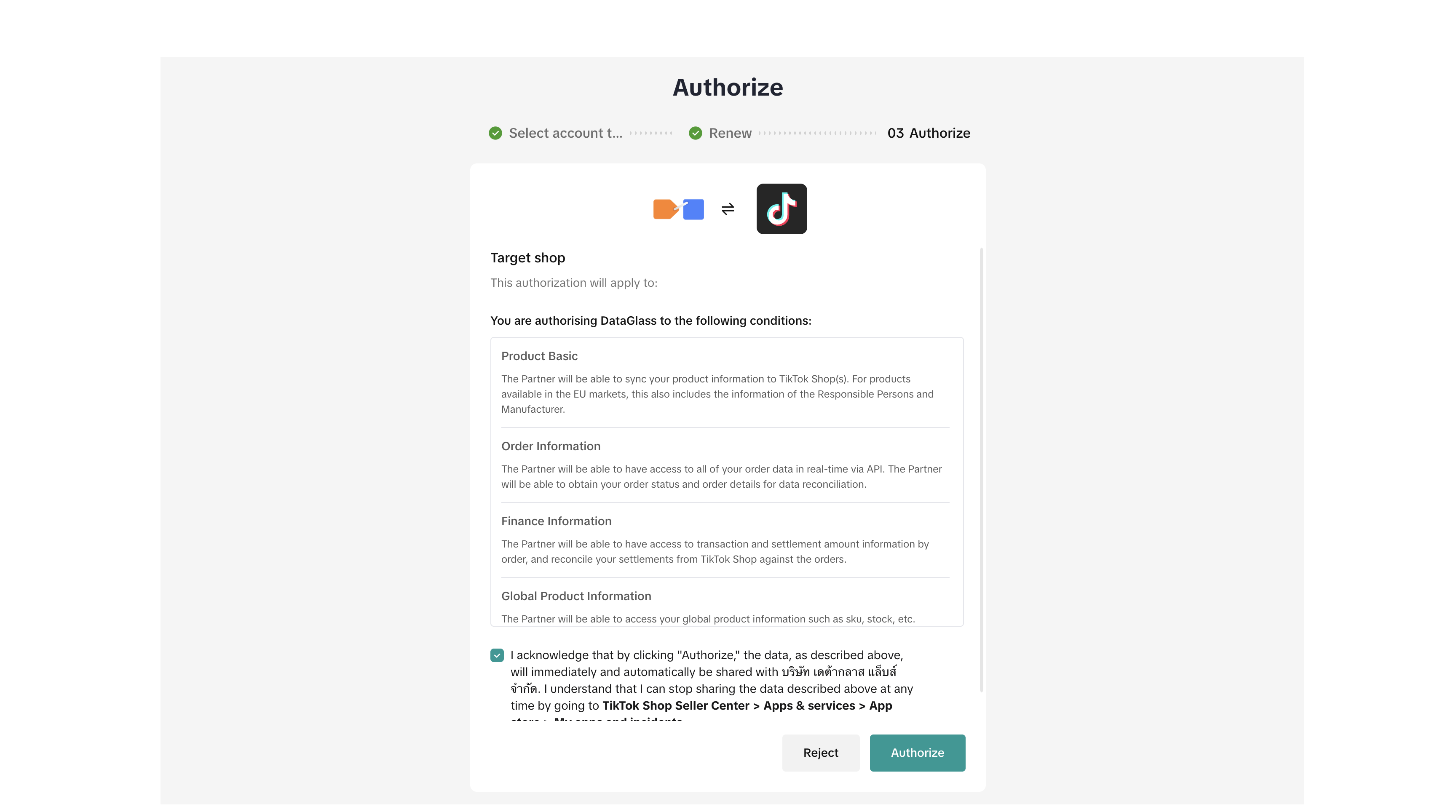 TikTok Shop authorization screen
You can revoke or re-authenticate any shop's access at any time in Shop Settings.