Shop settings and sync
ShopeeLazadaTikTok
Manage platform auth, shop classification, extra data pulls, and monitor sync status.
Shop settings let you control what data DataGlass pulls, how often, and which permissions are active. Sync status shows real-time health of your shop's data pipeline.
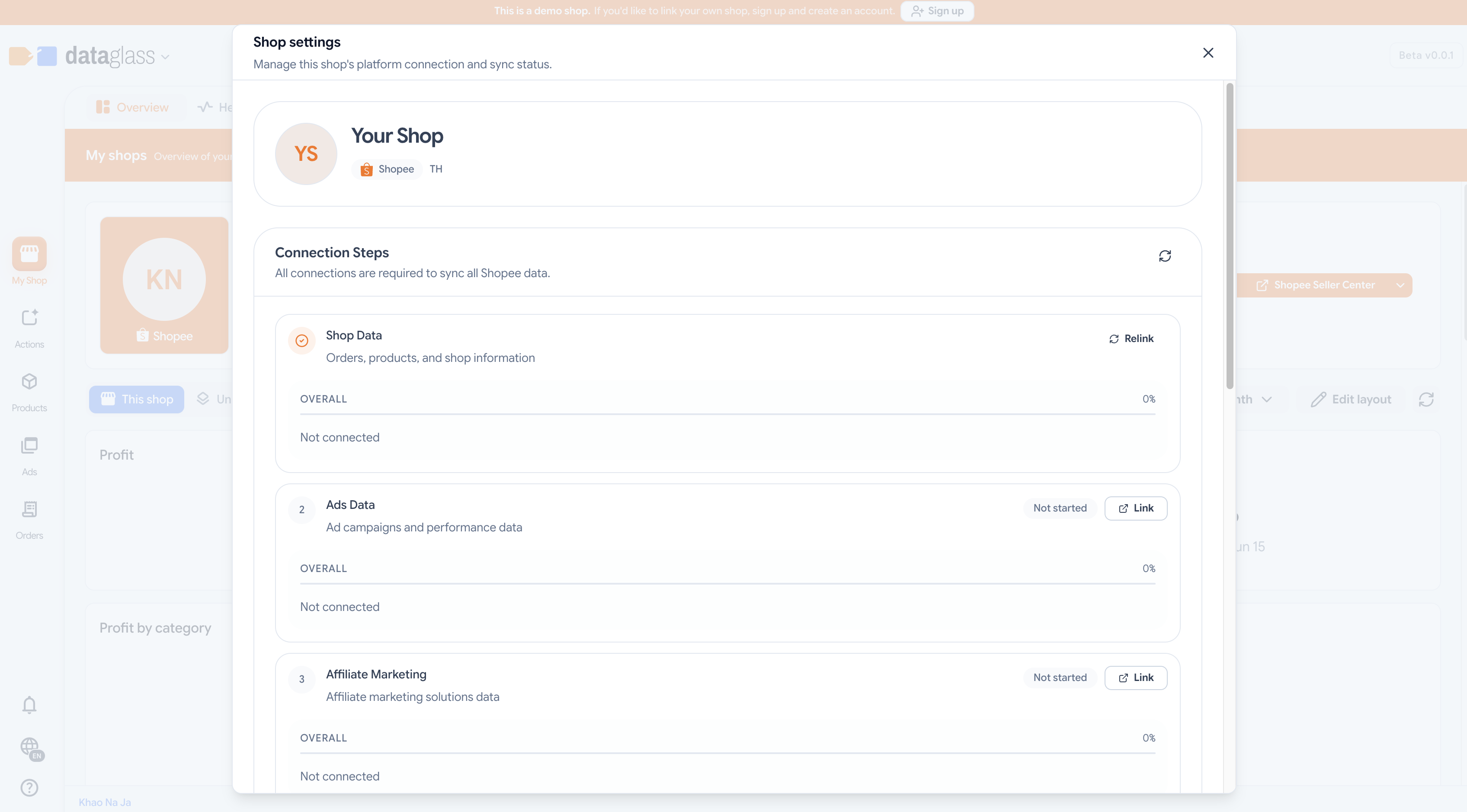
How to use Shop Settings
- Open your workspace and select a shop.
- Click the Settings icon in the shop header.
- In Connection, you can re-authenticate Ads or AMS scopes or revoke access entirely.
- In Classification (Shopee only), set your seller type (Mall or Non-Mall) and whether you're in the small-seller or affiliate program — this affects commission rates and recommendation eligibility.
- In Extra pulls, enable optional data syncs (e.g., estimated shipping, advanced inventory tracking).
- Monitor the Sync status badge — green means current, yellow means a pull is in progress, red means a recent failure.
Why this matters
Classification data drives commission forecasts and pricing recommendations. Sync failures here alert you to auth issues or API limits — address them to keep recommendations fresh.
Most shops sync every 15–30 minutes. Shopee's small-seller and in-program flags update less frequently; check the UI timestamp to confirm.