Action flow
object Object
An Action's lifecycle begins when the engine proposes it, moves through review and deploy gates, runs in production, and can be stopped or rolled back. Understanding the journey helps you decide when to deploy, dismiss, or take no action.
The flow
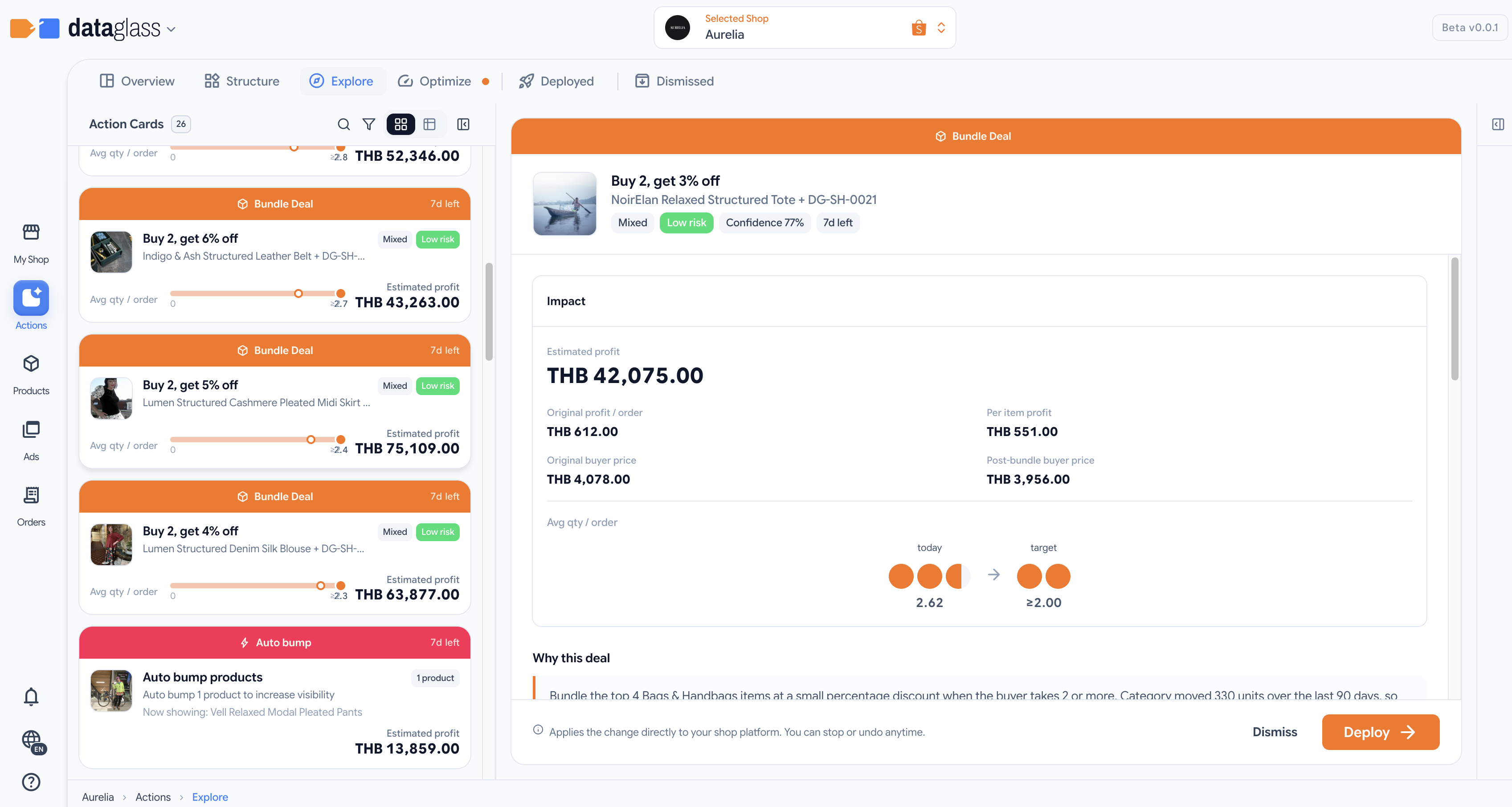
- Proposed — The engine generates the Action with its recommendation details and estimated impact.
- Review in detail — You open the Action card to see the exact change, why it was recommended, and what profit uplift is expected.
- Deploy gates — Before deploy, the system checks:
- Ads authorization — if the Action is ad-related, you must have granted DataGlass access to Shopee Ads for this shop.
- Kind-specific review — some Actions (like commission-adjust) show a final confirmation before the deploy proceeds (e.g., item-by-item changes).
- Ads mode switch — if deploying ad Actions when ads optimization is off, the system asks permission to enable it.
- Shopee whitelist warning — some Actions affecting buyer-visible prices require Shopee's merchant-friendly pricing feature; the system alerts you if your shop isn't approved yet.
- Deduplication check — if another Action is already pending for the same item, the system warns you and lets you choose which to keep.
- Deployed — The Action is applied to live inventory or ads. It enters "executing" status and begins producing results.
- Stop or Rollback — While deployed, you can:
- Stop — pause the Action and revert to the pre-deploy state (available while executing).
- Rollback — revert a completed Action to its pre-deploy state.
- Dismiss — At any point before deploy, you can dismiss an Action to clear it from the queue. Dismissed Actions can be restored.
Why this matters
Gates exist to prevent unintended changes (e.g., price changes without merchant approval, or ad spend changes on disconnected accounts). Understanding which gates apply to your Actions helps you anticipate hold-ups and deploy faster.
If deploy fails (e.g., network error, API rejection), the Action moves to the Failed tab. You can see the error reason and decide whether to re-attempt or dismiss.