Bulk edit (Excel)
ShopeeLazadaTikTok
Edit nickname, stock, the four COGS components, and VAT registration for many products at once via an Excel template.
Bulk edit (Excel) updates many products in one round trip. Download an Excel template pre-filled with your products, edit the editable columns, and upload the same file — every change is previewed before anything is applied.
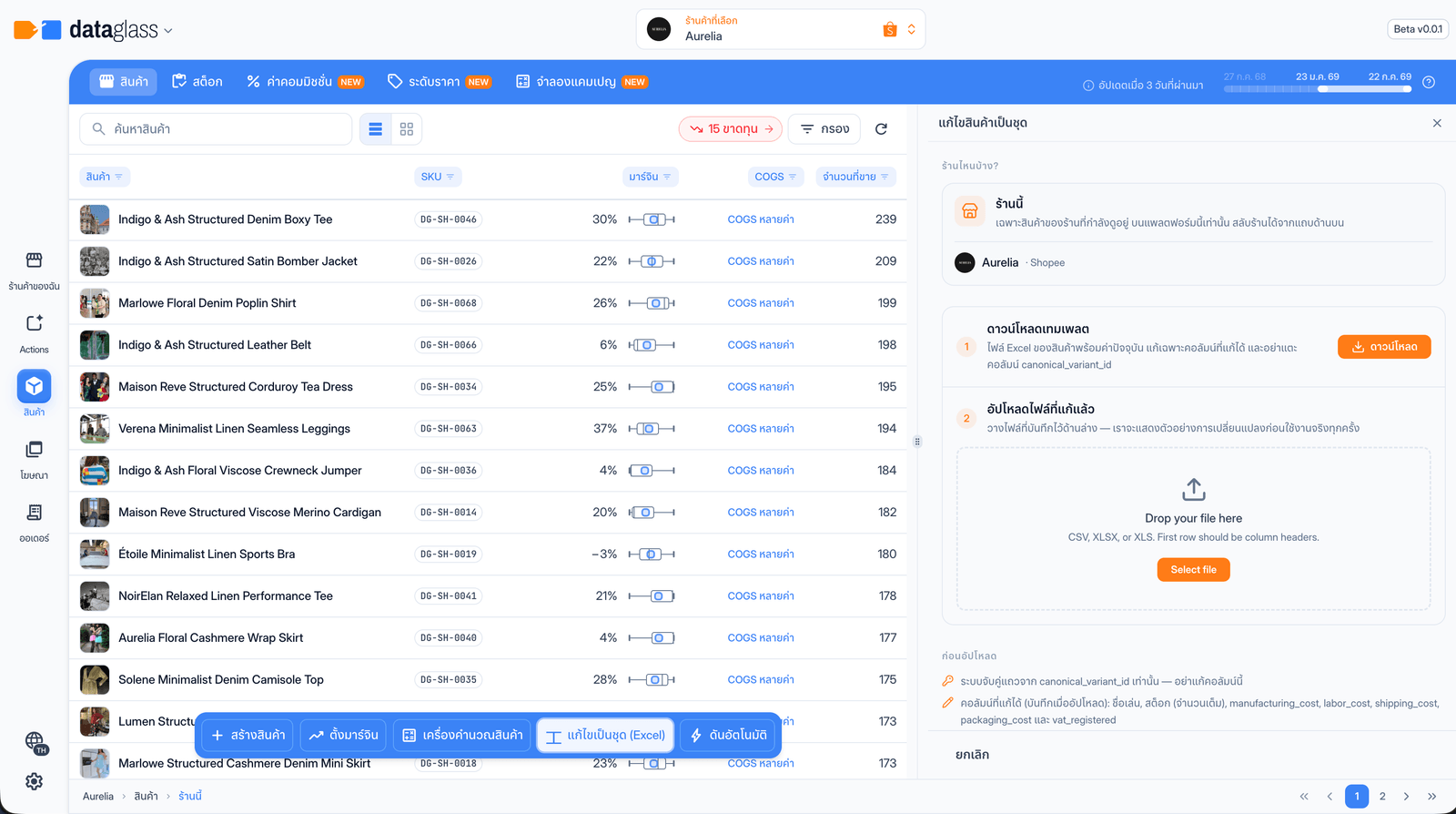 The Bulk edit tool — download the template, upload your edits, preview, apply.
Scopes
The scope mirrors your workspace view — switch shop or group from the workspace header, not in the panel:
- This shop — products bound to the shop you're viewing, on this platform only.
- Shop group — only the products in the active group's shops, one row per product across the group.
- All shops — every shop across Shopee, Lazada, and TikTok, one row per product. Editing a cost changes it on every platform the product is linked to.
Scope only decides which template you download. Uploads always match rows by canonical_variant_id, so a per-shop file still applies correctly whatever view you're in.
How to use it
- Pick the scope — see above; the panel shows which shops are included.
- Download the Excel template — pre-filled with current values.
- Edit the editable columns — nickname, stock, manufacturing / labor / shipping / packaging cost, and
vat_registered. Leavecanonical_variant_iduntouched — rows match on it. - Upload the saved file — no column mapping; the backend matches rows for you.
- Preview changes — a dry run lists every pending change. Nothing is saved yet.
- Confirm & apply — you get a per-run summary; row-level errors are reported without blocking the valid rows.
Why this matters
- Editing 500 SKUs inline is tedious; one spreadsheet round trip takes minutes.
- The preview step means a broken file costs you nothing — errors surface per row before anything is written.
A blank cost cell means "keep the current value" — it never resets a cost to zero. Read-only columns (name, SKU, platform, price, …) are reference only and never applied.